
Collections & Knowledge
Overview
A collection is a set of documents Aimable indexes for retrieval: when a user chats in a space, the Knowledge Search tool searches the collections attached to that space and the model answers with citations. Collections are managed at the tenant level (Collections in the Console sidebar) and attached per space (the Collections tab in a space's settings).
Create and fill a collection
Open Collections in the Console sidebar. The list shows every collection with its name, description, visibility, mode, document count and creation date. Click Create Collection to add one.
Filling a collection can happen three ways:
- Upload files — from the collection's row menu, choose Edit / Upload files and add documents (PDF, Word, text, markdown, spreadsheets). Aimable extracts, chunks and indexes the content; documents are searchable within moments of processing.
- Index a website — point a collection at a site and its pages become searchable knowledge, kept in sync by the platform.
- Connect an external source — connectors (e.g. Google Drive) sync documents from systems your organisation already uses. Providers are configured under Connectors; see the collection connectors API domain for the sync model.
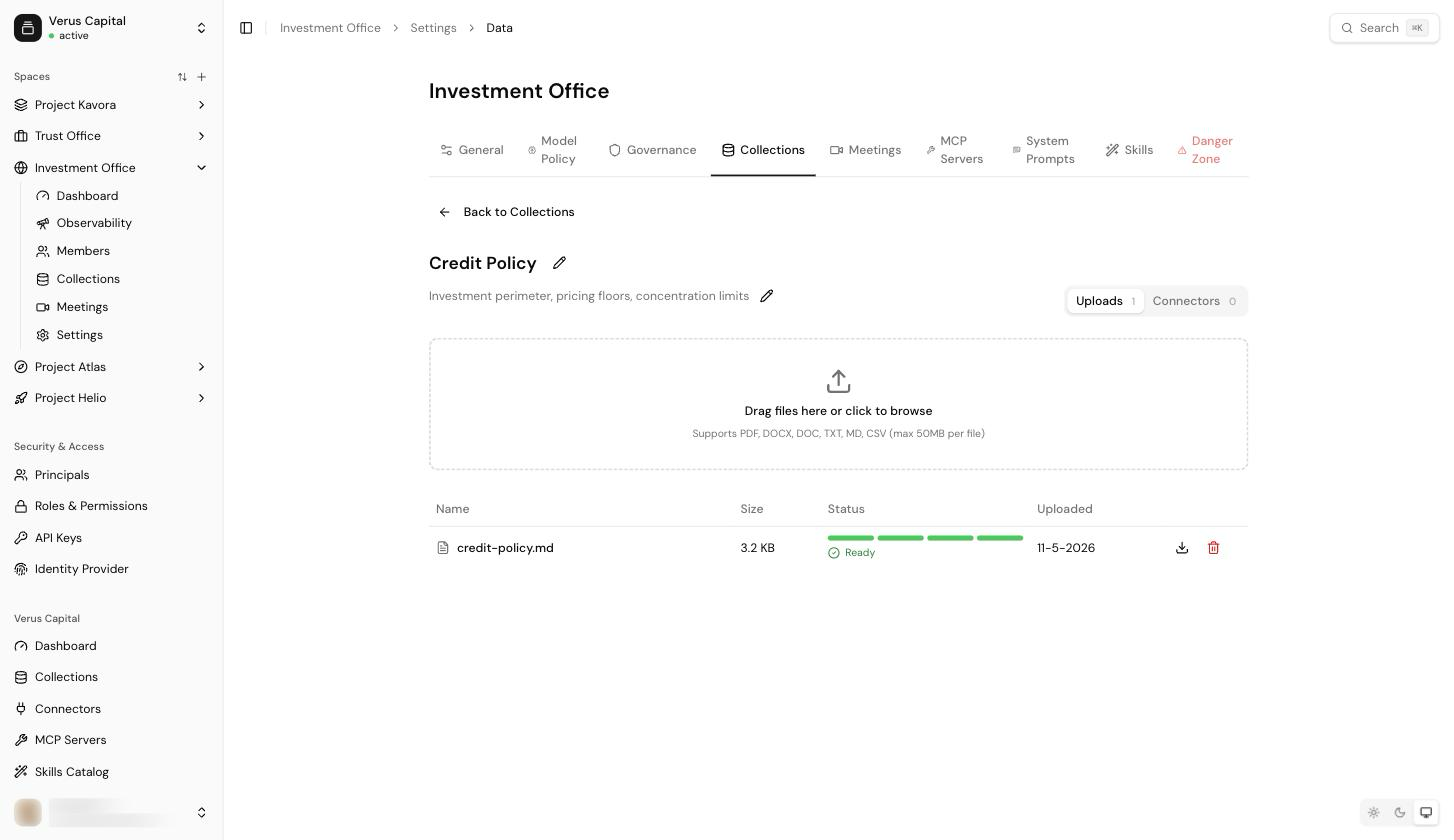
Deleting a collection removes its indexed content and emits an audit event (see Observability & audit).
Attach collections to a space
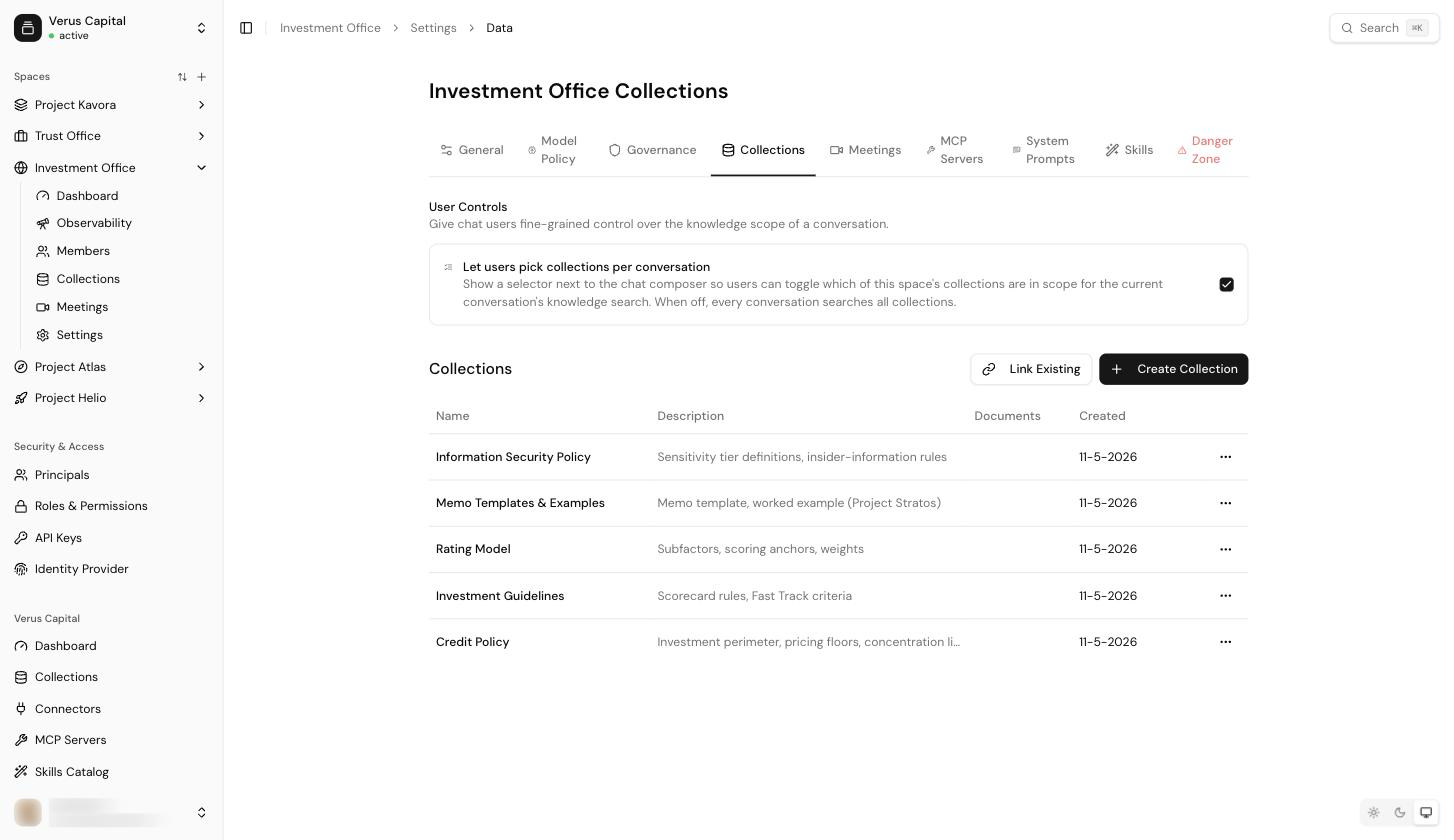
Open the space's settings → Collections tab. Link the collections this space may search; a space only ever sees its own linked collections — that's the isolation boundary that keeps knowledge from leaking between teams.
The same tab has one user-facing control:
- Let users pick collections per conversation — shows a selector next to the chat composer so users can toggle which of the space's collections are in scope for the current conversation. When off, every conversation searches all linked collections. (What users see is described in Chatting with knowledge.)
How answers use collections
With Knowledge Search enabled (Governance tab), the model decides per question whether to search, gets the top-matching chunks, and cites its sources — users can open the cited documents from the chat. Two governance toggles refine this: Read Full Collection Files lets the model fetch complete documents instead of chunks, and Also apply to Knowledge Search results extends PII pseudonymisation to retrieved content — see Governance & System Prompts.
Tip: prefer several focused collections over one catch-all. Retrieval quality improves when a collection covers one domain, and per-conversation scoping (above) only helps if there is something meaningful to choose between.
Via the API
Everything here is scriptable: the knowledge, collections, ingestion and collection connectors domains cover uploading, searching and syncing over HTTP.