
Chatting with Knowledge
Overview
Chat in the Workbench is grounded: the assistant can search your space's knowledge collections, read the files you attach, and cite where an answer came from. This page covers the daily mechanics — conversations, attachments, choosing what gets searched, and your personal Files Collection.
Conversations
- Start one with New chat at the top of the side panel, or just type in the composer ("Ask me anything...").
- Find one back in the conversation list in the side panel; every conversation belongs to the space it was started in.
- Rename or delete via the ⋯ menu on a conversation. Deleting is permanent — the dialog asks you to confirm — and deleting the conversation you're viewing drops you on a fresh new-chat page.
Conversations are per space: switch spaces in the left rail and the list changes with it.
Attaching files
The paperclip (Add file) attaches documents to your message: PDF, Word, CSV, Excel and images. What happens next depends on your space's settings:
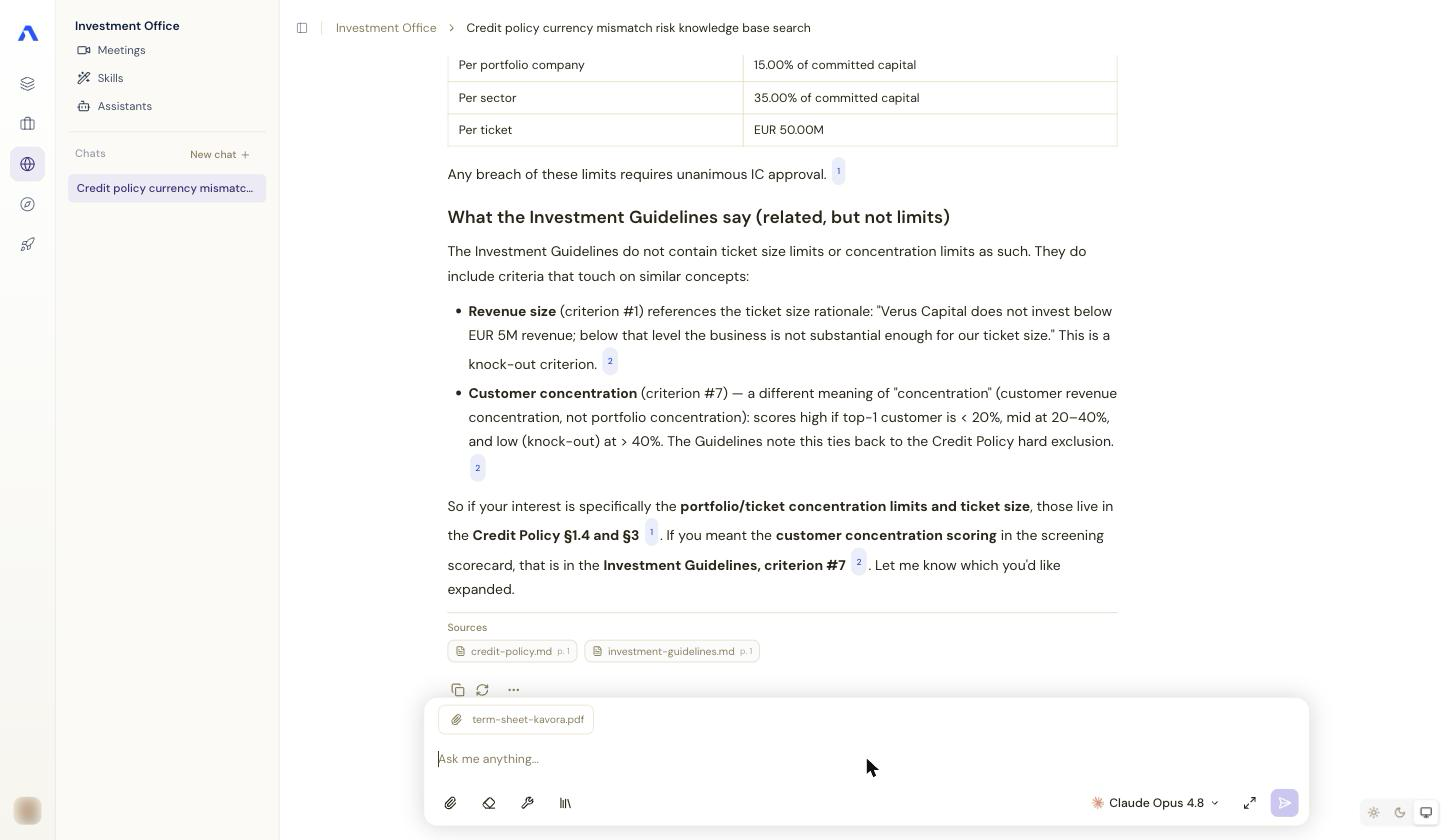
- The assistant normally receives the most relevant excerpts of an attachment; spaces can instead send full documents (an admin choice — ask if long-document work matters to you).
- If your space protects personal data, uploads go through the privacy check first: you review detected personal information before anything is sent.
- Large PDFs can take a moment to process; the send button waits ("Wait for upload to finish") until the file is ready.
Choosing which collections are searched
If your admin enabled it, a collections selector (library icon, "Collections in scope") sits in the composer's control row. It lists the space's collections with a checkmark per collection — untick what the current conversation should ignore, for instance to search one legal corpus only. The scope applies per conversation; new conversations start with everything in scope.
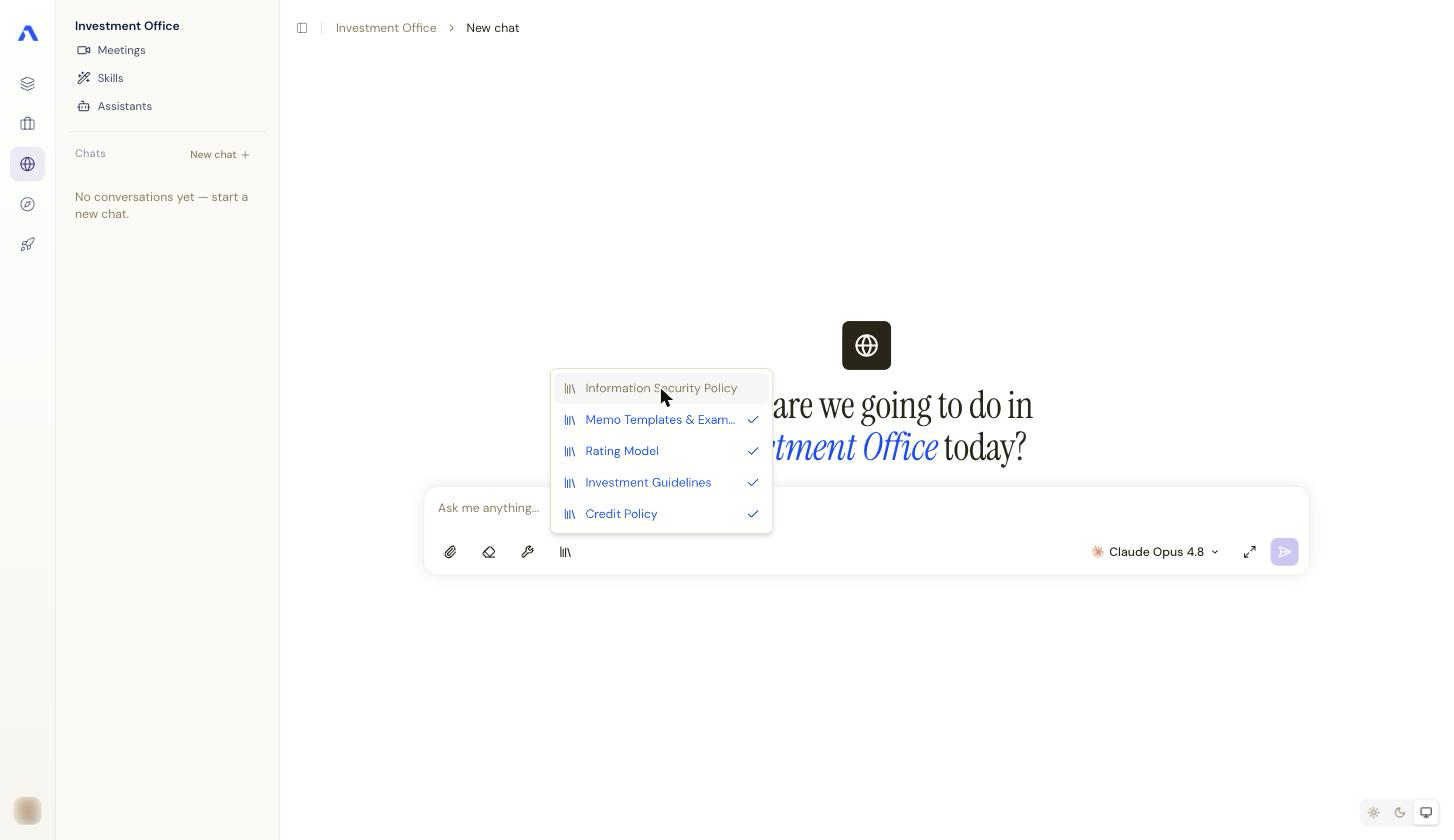
No selector visible? Then your space searches all its collections on every question — that's the default.
Answers with sources
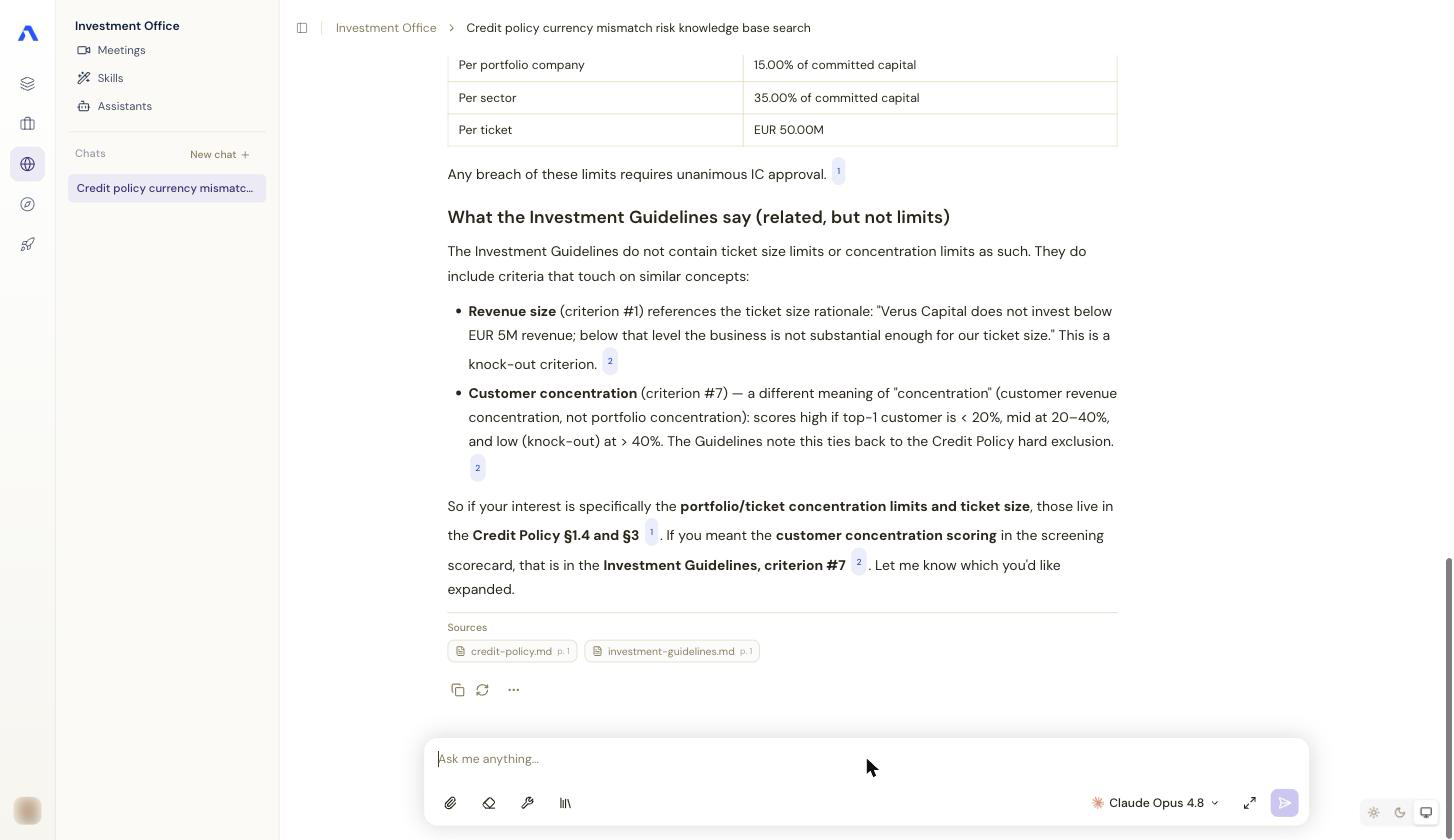
When the assistant uses knowledge search, answers carry citations you can open to see the source document. If an answer should have used the knowledge base but didn't, ask explicitly ("search the knowledge base for …") — whether search is available at all is a space setting.
Your Files Collection
In your personal space, the side panel has Files Collection — your own document store, searchable in chat like any collection:
- Add file uploads documents; the table shows name, type, size and date.
- Select rows to Download or Delete in bulk (deleting asks for confirmation).
- Everything here is private to you, unlike space collections which are shared with the space's members.
Tip: use the Files Collection for reference material you personally need across conversations (contracts you review, your own notes), and ask your admin to add shared material to a proper space collection so colleagues benefit too.